
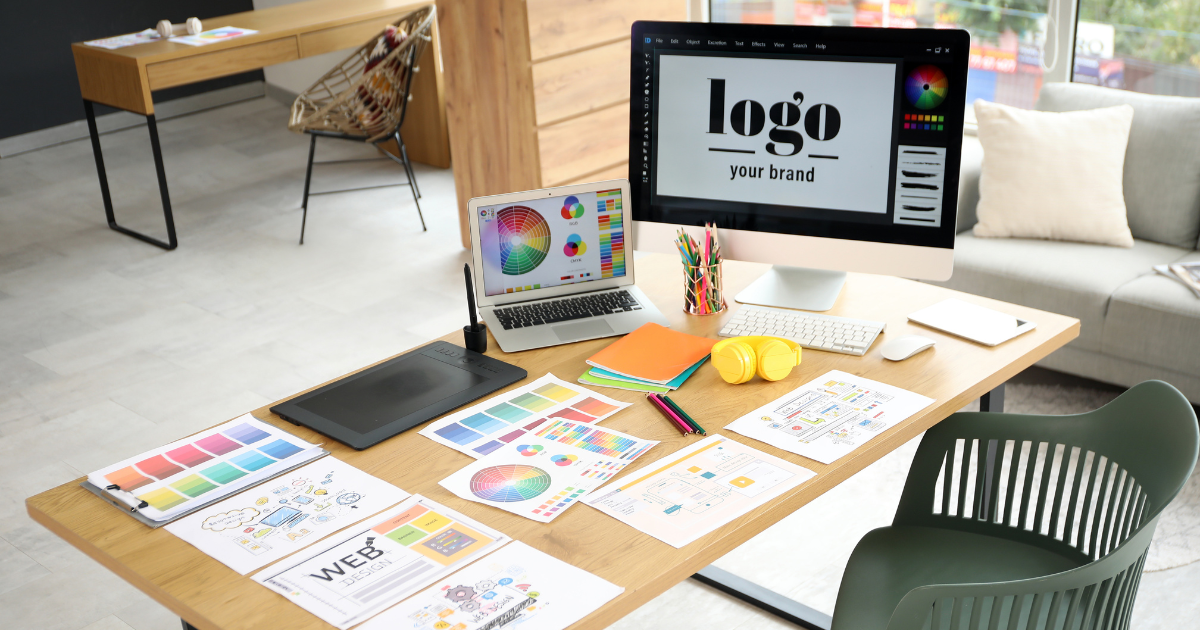
Imagine walking into a store where the lights are flickering, the shelves are disorganized, and the staff is nowhere to be seen. Chances are, you'd walk right back out, never to return. Surprisingly, this scenario isn't limited to brick-and-mortar establishments; it's precisely the kind of impression a poorly designed website can leave on potential clients. Your website serves as the ultimate representation of your business, a professional online presence that communicates credibility, competence, and quality from the very first click.
A professional and polished online presence can mean the difference between gaining a loyal customer and losing potential business. In today's fast-paced digital market, where attention spans are shrinking, your website has mere seconds to captivate and engage visitors. Statistics reveal that it takes only about 50 milliseconds for users to form an opinion about a website, and consequently, your business. This lightning-fast judgment determines whether they will stay or abandon ship. Every color, font, and image on your site plays a pivotal role in creating that crucial first impression. It's clear that your online presence is more than just a URL—it's a critical component of your business strategy. So how do you turn those first precious moments into lasting relationships? Dive into this guide to discover how you can transform your digital storefront into a beacon of professionalism and trust.
Importance of First Impressions in Online Business
Our website often acts as the first point of contact between your business and prospective customers. In the blink of an eye (about 50 milliseconds), users form an impression that determines whether they stay or click away. That rapid judgment hinges on how professional and polished your online presence appears. A well-designed site signals credibility, competence, and attention to detail, sending the message that you value your customers and take your business seriously.
First impressions extend beyond aesthetics; they affect your brand’s reputation and bottom line. A cluttered layout or outdated design can lead visitors to question the quality of the products or services you offer. Conversely, a clear, modern, and visually appealing interface fosters trust and encourages deeper engagement. Investing in a professional website isn’t optional, it’s a critical step toward building meaningful connections, driving conversions, and positioning your business as an industry leader.
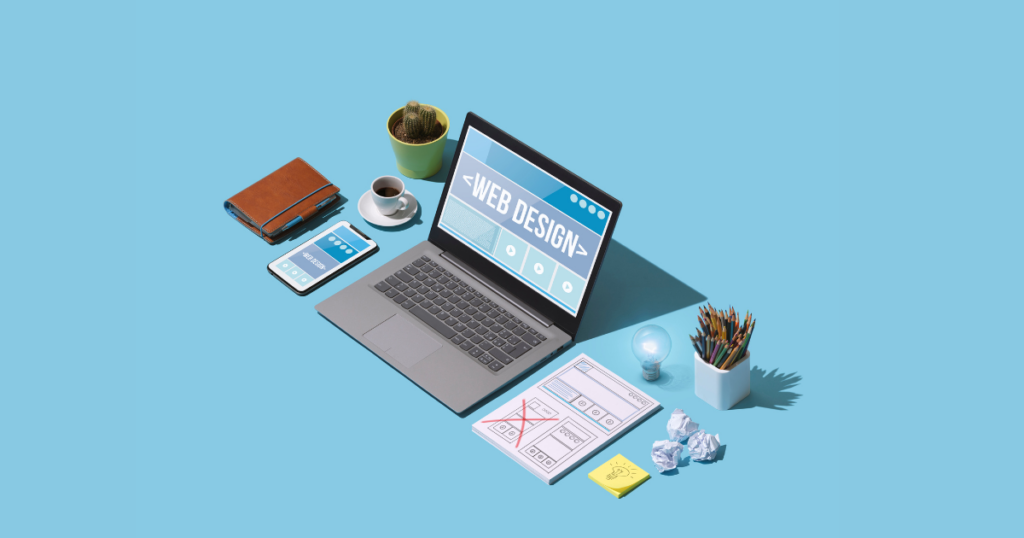
Elements of a Professional Website Design
A truly professional website combines functionality with visual appeal to create a seamless user experience. Key elements include a clean layout, strategic use of white space, and a consistent brand identity. White space ensures content is digestible, directing users’ attention to essential calls to action. Meanwhile, consistent branding such as logos, color schemes and typography, reinforces your business identity and makes your online presence memorable.
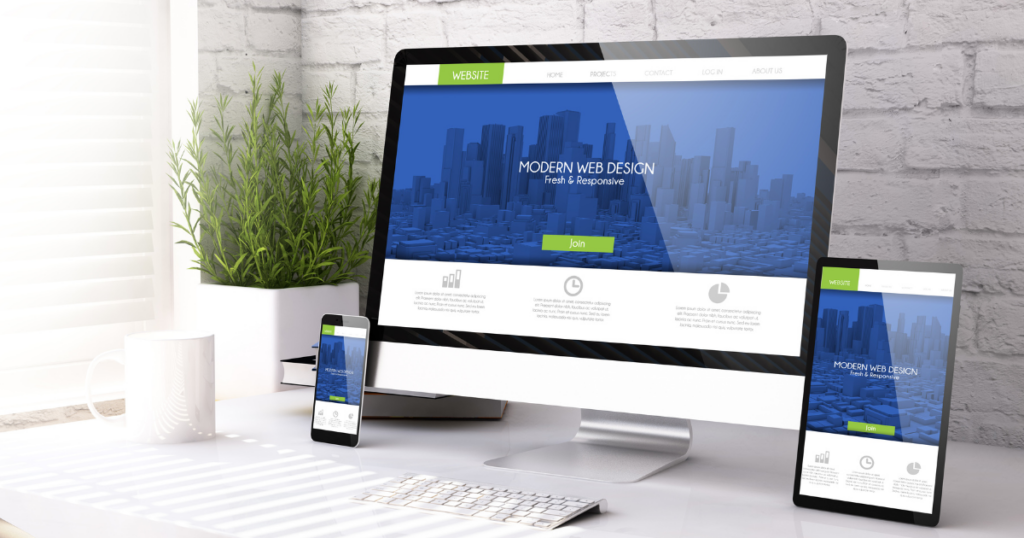
Navigation plays a central role in professional design. Menus should be intuitive, guiding visitors toward information with minimal friction. Incorporate clear, concise labels and use drop-downs sparingly to prevent overwhelm. Additionally, dedicate space to meaningful visuals: high-quality images, graphics, or videos that underscore your brand story. Finally, ensure your site’s structure is responsive. A flexible grid layout that adapts to various screen sizes signals your commitment to user comfort—whether they’re browsing on a desktop, tablet, or smartphone.

Choosing the Right Colour Palette for Your Website
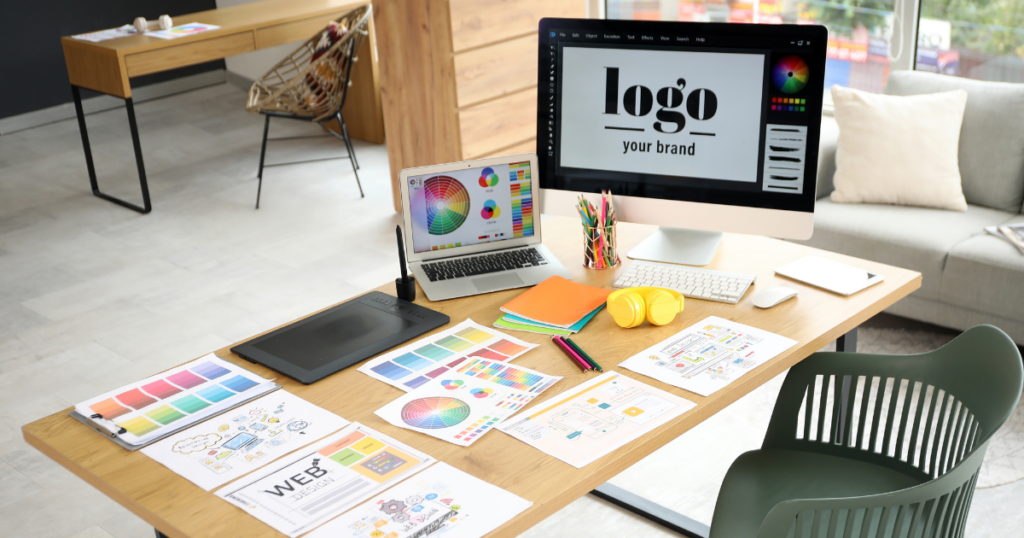
Colours evoke emotions and shape perceptions. Selecting a harmonious palette for your website is not only an artistic choice, but a strategic decision that influences user behavior. Start by identifying your brand’s personality traits: Are you bold and energetic, or calm and trustworthy? Warm hues like reds and oranges can grab attention and convey excitement, while blues and greens often promote a sense of security and stability, which is essential for a professional online presence.
Balance is key. Too many competing colors can overwhelm visitors, while an overly monochromatic scheme may feel dull. Limit your palette to three or four complementary shades: a primary colour, a secondary accent, and neutral tones for backgrounds and text. Test how these colours appear across different devices and lighting conditions to ensure readability and accessibility. By thoughtfully applying colour theory, your website will not only look cohesive but also guide users toward desired actions and reinforce your business’s unique brand identity.
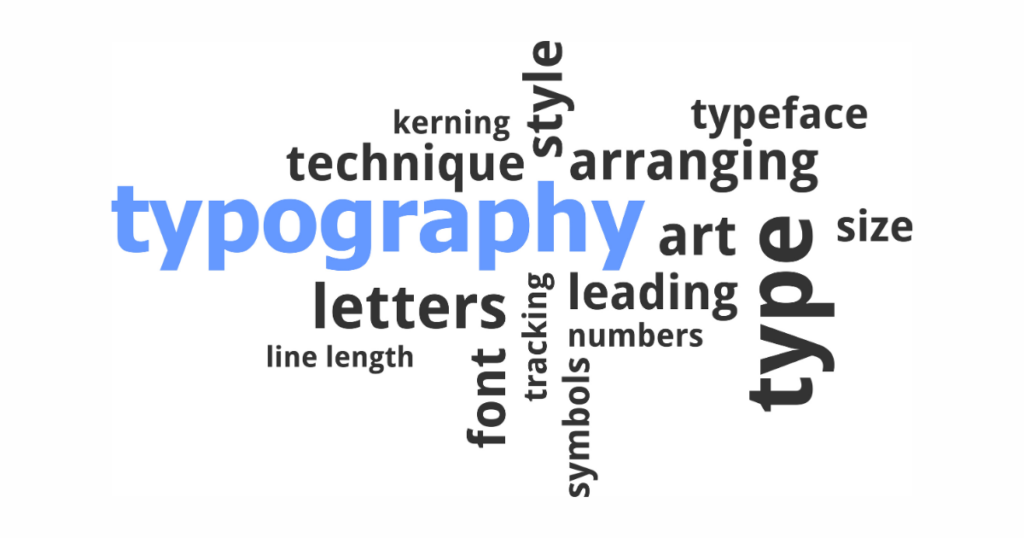
Typography Best Practices for Websites
Choosing the right typography elevates a website from generic to professional. Fonts communicate tone: serif typefaces often feel classic and authoritative, whereas sans-serif fonts tend to read as modern and clean. When selecting fonts, consider legibility at various sizes, especially for body text. Aim for at least 16px to maintain comfortable reading, and avoid overly decorative scripts that can strain the eyes.
Hierarchy in typography guides users through content logically. Utilize distinct font sizes and weights for headings, subheadings, and paragraphs. For example, pair a bold, large header with a lighter, smaller body font. This contrast not only improves readability but also emphasizes key messages. Limit your site to two or three font families to maintain visual harmony. Finally, leverage web-safe and system fonts or reliable web-font services to ensure consistent rendering across browsers and devices. Thoughtful typography choices reinforce your brand’s identity and underscore the professional quality of your online presence.

The Impact of Images and Graphics on User Perception
High-quality images and graphics breathe life into your website, offering visual context that text alone cannot provide. Professional photography can highlight product details, showcase team members, or convey your business’s culture. Avoid generic stock images that feel impersonal; instead, invest in custom visuals that resonate with your brand story. Consistency in image style—color grading, composition, and subject matter—fosters a cohesive look across all pages.
Beyond static images, incorporate graphics such as icons, infographics, and illustrations to break up text and simplify complex information. Icons can guide attention and support navigation, while infographics present data in an engaging, digestible format. Remember to optimize all visual assets for web performance: compress files without sacrificing quality, specify image dimensions, and use modern formats like WebP when possible. When images load quickly and display crisply, they reinforce trust and highlight the professional caliber of your online presence.

User-Friendly Navigation and Website Structure
Effective navigation is the backbone of a professional website. Visitors should be able to find what they need within a few clicks. Start with a clear menu structure that groups related pages under concise headings. Avoid lengthy drop-down menus that overwhelm users; instead, use a shallow hierarchy that favors simplicity and ease of use.
Include breadcrumb trails on internal pages to help users track their location and seamlessly backtrack. Implement a search function for larger sites, allowing visitors to quickly locate specific content. Footer navigation is another valuable asset, as it lists essential links such as contact information, privacy policy, and frequently asked questions. By streamlining navigation and organizing content logically, you’ll reduce bounce rates and enhance user satisfaction, solidifying your website’s reputation as a reliable, professional resource.

Building Trust Through Testimonials and Reviews
Social proof plays a pivotal role in converting casual visitors into loyal customers. Incorporating genuine testimonials, case studies, and customer reviews boosts credibility and showcases real-world results. Position these elements strategically on product pages, landing pages, or a dedicated testimonials section, and accompany quotes with customer names, photos, and affiliations to enhance authenticity.
Encourage feedback by making review submission straightforward; provide clear calls to action and minimal form fields. Monitor and respond to reviews, both positive and negative, to demonstrate engagement and commitment to customer satisfaction. For greater impact, highlight third-party endorsements or industry certifications. By featuring transparent, verifiable testimonials, your business will foster trust and reinforce the professional image of your online presence, motivating new visitors to take the next step.

Contact Information: Making It Easy for Customers to Reach You
Accessible contact details are vital to a professional website. A well-placed contact page reassures visitors that your business is legitimate and ready to engage. List multiple contact methods such as email, phone, physical address, and live chat, so users can choose their preferred channel. Embed a simple form with clear instructions and minimal required fields to encourage inquiries without overwhelming prospects.
Integrate a clickable phone number and email address for mobile users, ensuring one-tap access on smartphones. If you operate a local business, include an interactive map with a pin drop to guide onsite visitors. For broader reach, offer a scheduling tool or calendar widget that allows customers to book appointments instantly. By streamlining communication channels, you’ll enhance user experience, foster trust, and portray a professional, customer-centric online presence.
Mobile Responsiveness and Its Significance
With over half of web traffic originating from mobile devices, responsive design is no longer optional—it’s essential. A mobile-friendly website adjusts layouts, font sizes, and navigation elements to fit smaller screens without compromising functionality. Ensuring readability and ease of interaction on smartphones and tablets enhances user satisfaction and reduces bounce rates.
Implement responsive frameworks or CSS media queries to tailor content across devices. Touch-friendly buttons, collapsible menus, and optimized images all contribute to a seamless mobile experience. Google’s mobile-first indexing also means that a site’s mobile version is the primary factor in search rankings. By prioritizing mobile responsiveness, you not only cater to on-the-go users but also strengthen your website’s SEO performance and uphold a truly professional online presence.

Optimizing Website Loading Speed for Positive User Experience
Slow-loading pages frustrate users and drive them away faster than poor design can. Studies show that a one-second delay in page load time can reduce conversions by up to 7%. To keep your website professional and performant, focus on optimizing loading speed through image compression, minified CSS and JavaScript, and leverage browser caching. Content delivery networks (CDNs) also distribute assets across servers worldwide, cutting latency and improving load times for global audiences.
Conduct regular speed audits using tools like Google PageSpeed Insights or GTmetrix to identify bottlenecks. Remove unnecessary plugins, streamline your code, and enable lazy loading for below-the-fold images. Prioritize critical rendering paths so essential content displays promptly. By maintaining a fast, responsive website, you’ll provide a superior user experience that complements your professional brand and fortifies your business’s online presence.
Conclusion: Elevating Your Online Business Presence
First impressions define your relationship with potential customers. By investing in a professional website—one that prioritizes layout, color, typography, imagery, navigation, and performance—you set the stage for trust and meaningful engagement. Each design choice, from your contact page to mobile responsiveness, reinforces your brand’s credibility.
Embrace these best practices to transform your digital storefront into a true reflection of your business excellence. With a cohesive, user-centric approach, your online presence will not only attract visitors but convert them into loyal clients, driving growth and long-term success.

0 Comments